
Installation Notes
Cabin roofs and freestanding poles are the two usual approaches on a construction site, and the choice usually comes down to whether the site office itself moves during the project.
NZ Stock • Fast Dispatch • Local Support Dismiss
Skip to contentA construction site rarely has fixed broadband on day one, and greenfield sites often never get it before the job is finished. Site offices, cabins and plant need a connection from the moment the fence goes up, not whenever a fixed-line provider gets round to a temporary connection. Satellite internet solves this directly, but only if the dish is mounted somewhere that survives a construction site rather than a suburban backyard.
Construction sites move. A site office gets relocated as the job progresses, plant shifts between sites, and everything is exposed to dust, vibration from nearby machinery and the general wear of an active build. This is temporary, semi-permanent infrastructure: it needs to go up quickly, come down cleanly and survive being moved.
The need is broader than it first looks. Site offices run project management software and video calls with head office. Plant increasingly reports back to fleet systems. And a site with EFTPOS deliveries, subcontractor sign-in or safety monitoring depends on a connection that does not drop out every time the weather rolls in over a marginal mobile signal.
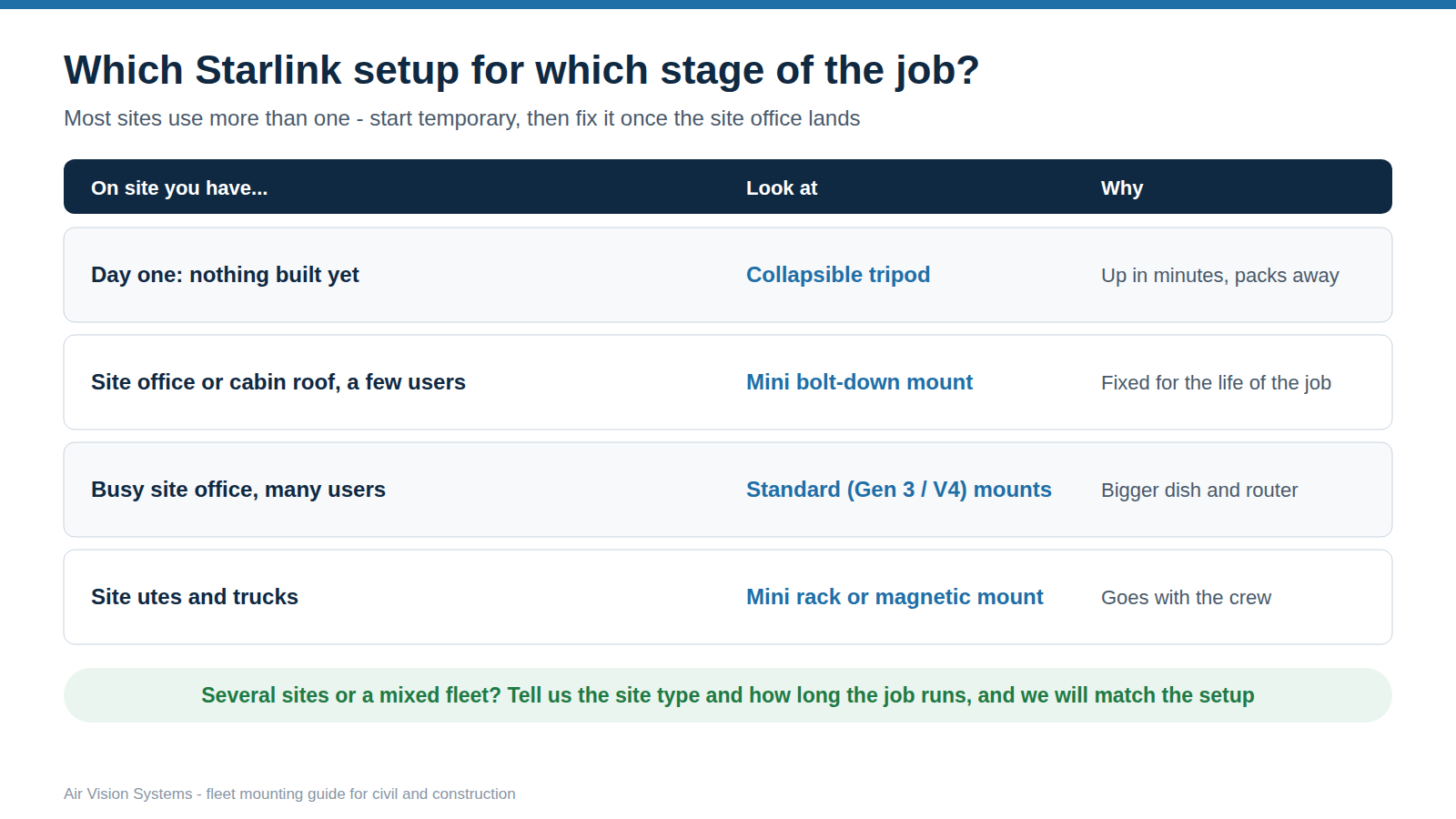
| Stage or vehicle | AVS product | Notes | Setup |
|---|---|---|---|
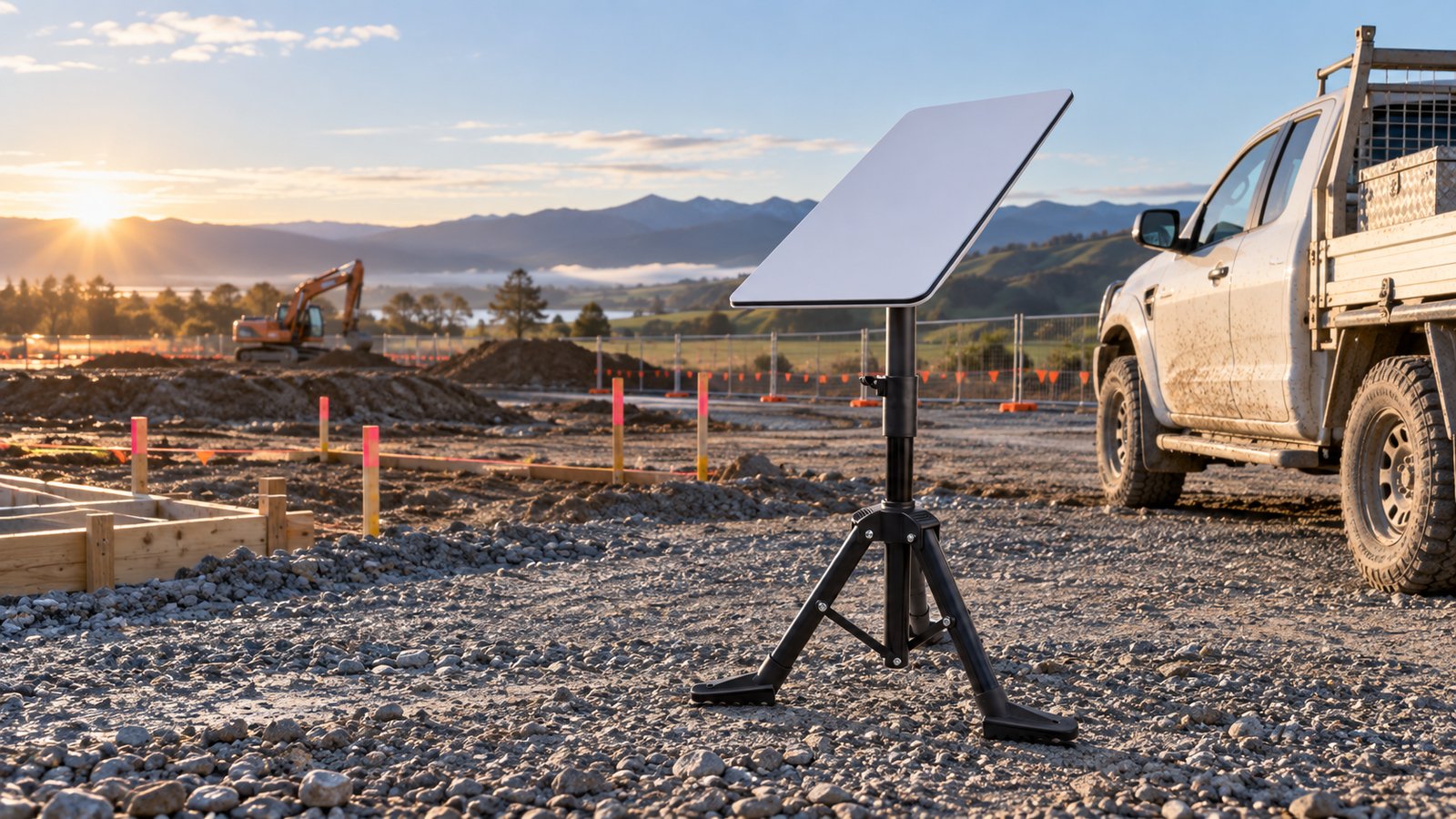
| Day one, before any buildings | Collapsible tripod (Standard or Mini) | Up in minutes on open ground and packs away when the site office arrives. |
 |
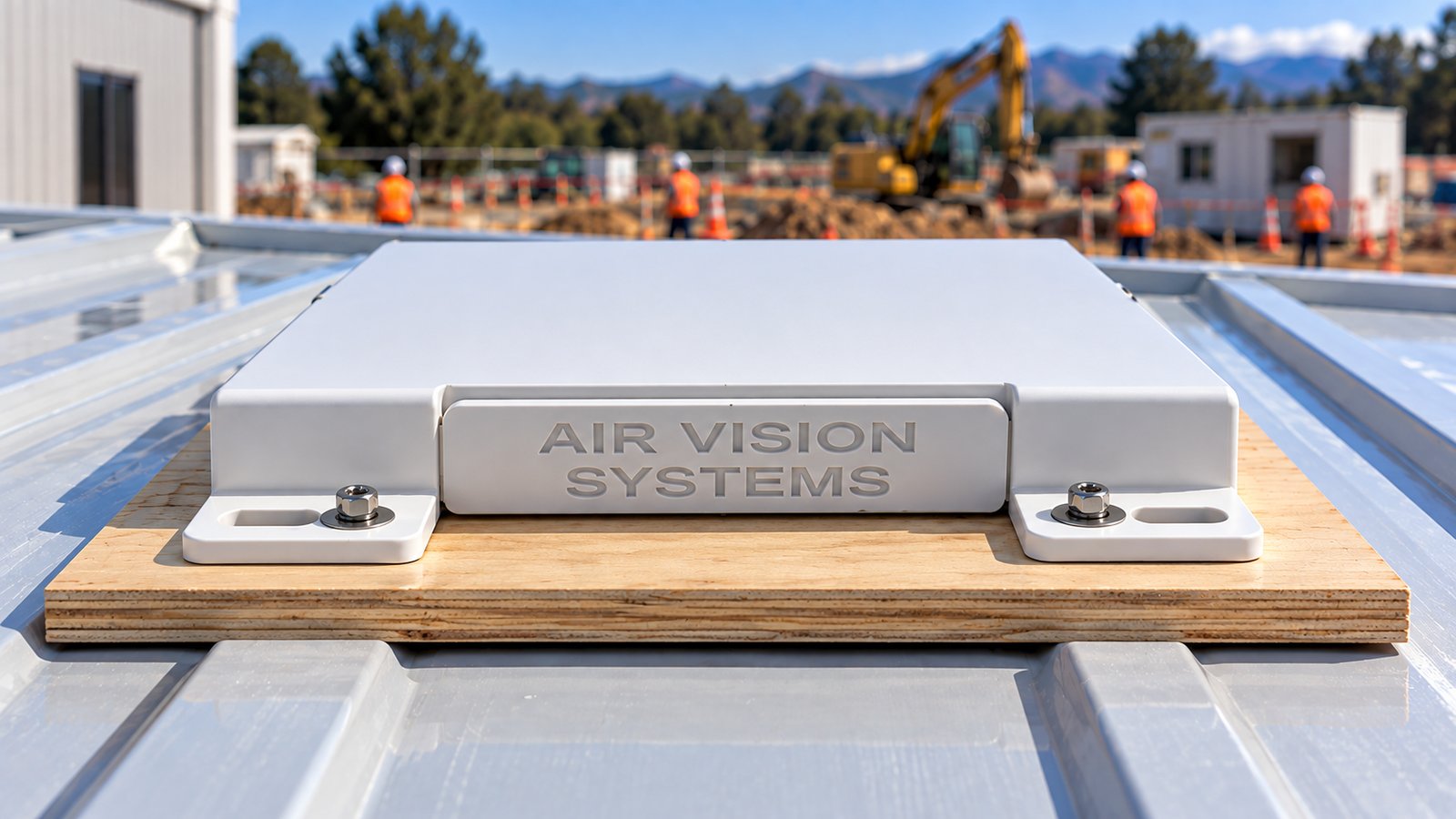
| Site office or cabin roof, a handful of users | Starlink Mini bolt-down mount | Fixed for the life of the job; unbolts and moves with the cabin. |
 |
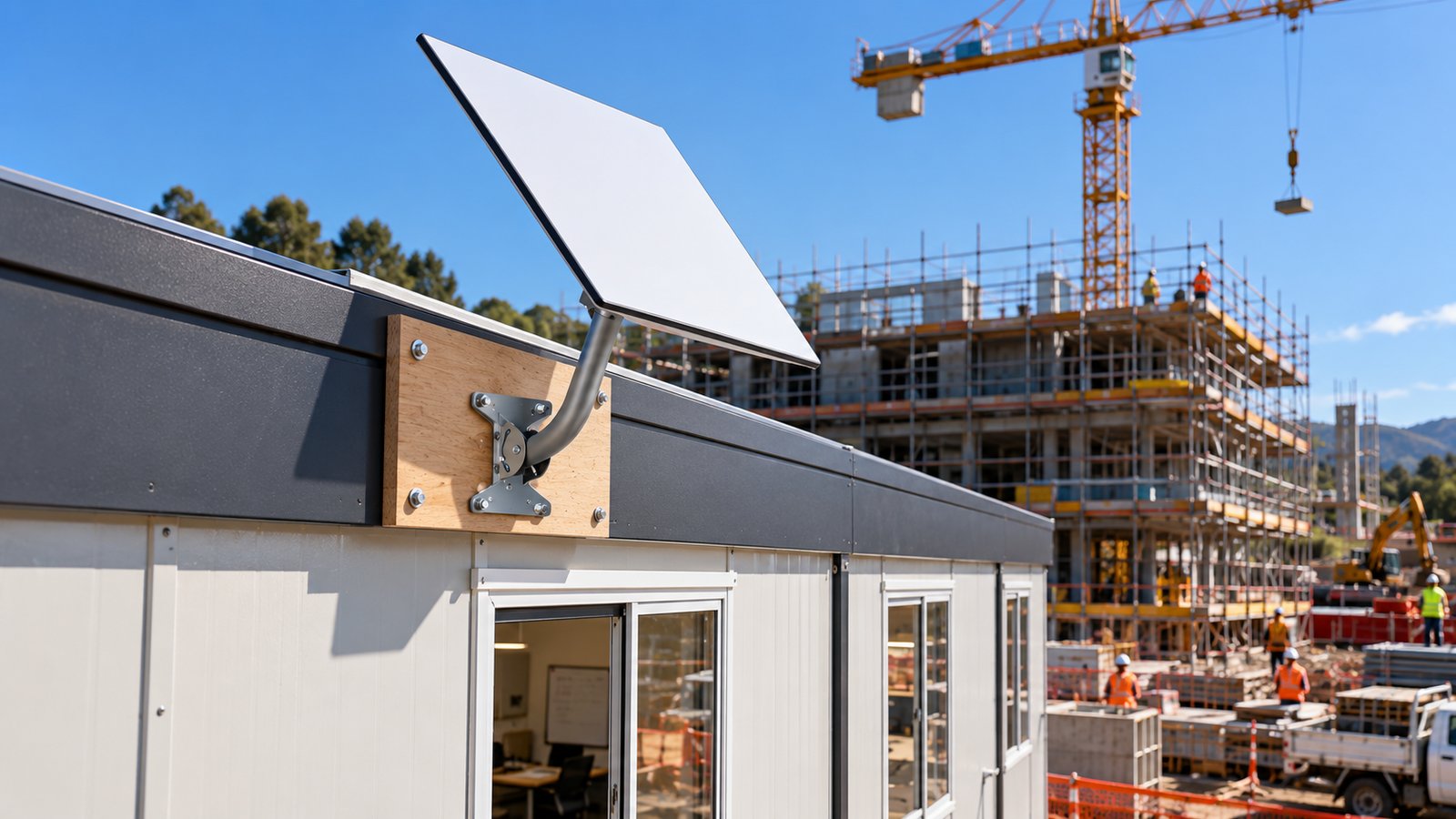
| Busy site office with many users | Starlink Standard (Gen 3 / V4) mounts: roof and wall mounting kit or clip-in pole adapter | The Standard kit's larger dish and Wi-Fi 6 router suit a busy office. |
 |
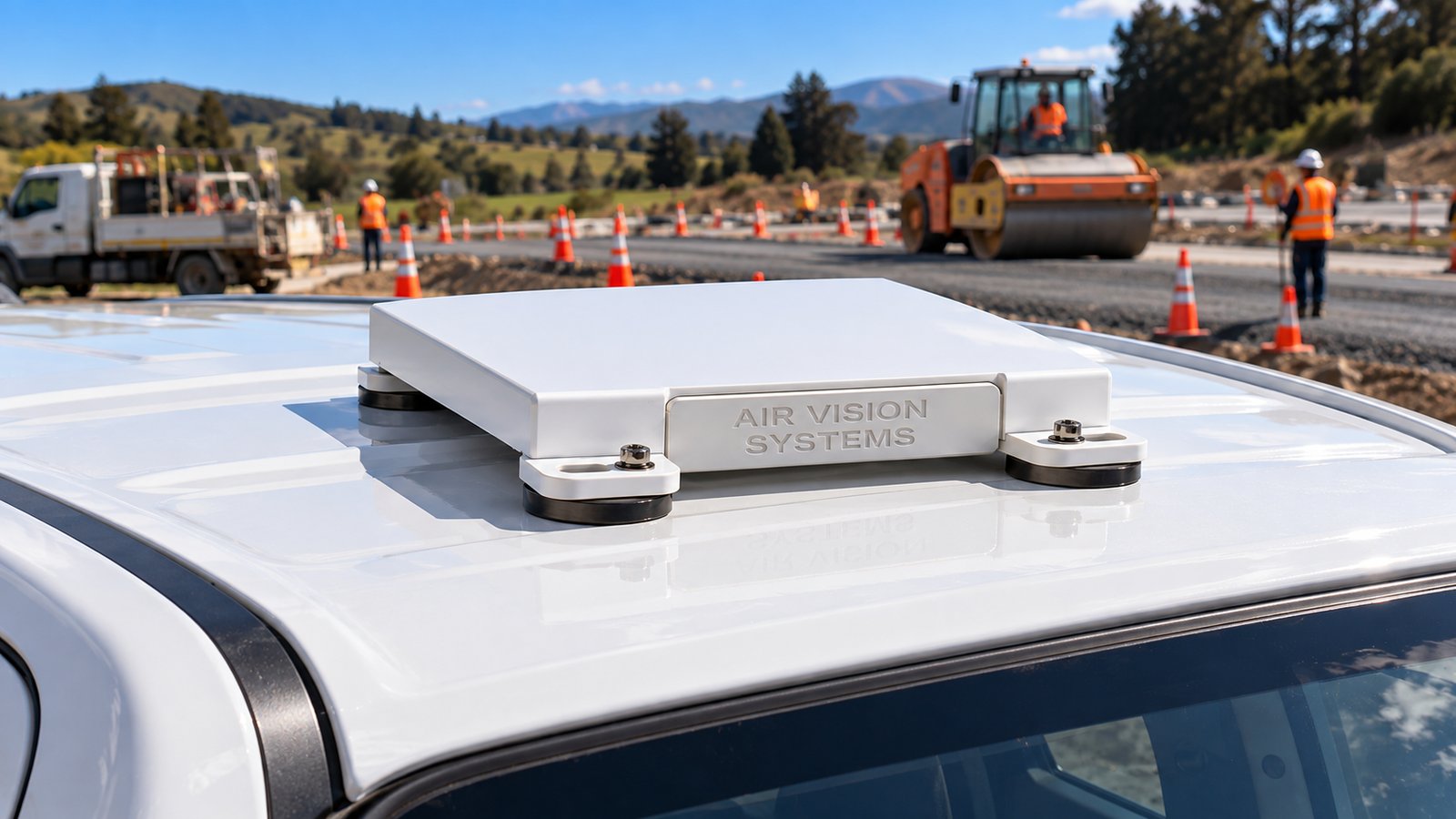
| Site utes and trucks | Starlink Mini roof rack mount (for vehicles with a rack) or magnetic mount (steel roofs only, eight or four 88 mm magnets, plus a safety tether) | The connection goes with the crew between sites. |
 |
Power: the Starlink Mini runs from 12 to 48 V DC, so it can run from a vehicle or a battery. The Standard kit runs from its own 100 to 240 V power supply, so it suits mains or a stable generator supply. We supply power solutions and extension cables to suit.
Mount figures come from computer simulation under defined test conditions. They support the design and are not a substitute for site-specific or regulatory certification.
Figures for the Standard mounts and the tripod are not listed here; ask us about your site. See our engineering reports.
| Item | Figure | Basis |
|---|---|---|
| Starlink Mini dish | IP67 Type 4 (with cables installed), -30 to 50°C, 1.10 kg. Built-in Wi-Fi 5 router, up to 112 m² and 128 devices | Starlink specification sheet |
| Starlink Standard (Gen 3 / V4) dish | IP67 Type 4, -30 to 50°C, 2.9 kg. Power supply 100 to 240 V, IP66. Router: current kits ship with the Router Mini (Wi-Fi 6, up to 204 m² and 235 devices); earlier Gen 3 kits came with the larger Gen 3 router (Wi-Fi 6, up to about 297 m² and 235 devices) | Starlink specification sheet |
| Starlink Mini bolt-down mount | Wind of 252 km/h, the threshold of a Category 5 hurricane, with the mount bolted to timber, steel and concrete bases | Computer simulation (airflow and structural) |
| Roof rack mount, two-rail | Wind of 252 km/h from five directions. Highest stress in the aluminium plate 16.2 MPa against a yield strength of 193 MPa: a safety factor of 11.9, and above 9 with an extra 25% allowance for gusts | Computer simulation (airflow and structural) |
| Materials | Marine-grade 5052 aluminium plates and brackets; 316 stainless steel T-bolts on the roof rack mount | AVS design specification |
Set it on firm, level ground away from vehicle movements. On exposed sites, weigh the legs down, and move to a fixed mount once the site office is in place.
Bolt the mount to a solid part of the roof structure, not thin cladding alone, with a clear view of the sky away from cranes and scaffold.
Keep cable runs away from foot traffic and vehicle paths, and secure them along their length for a site that stands for weeks or months, not a single day.
Sites often run on a generator or site supply rather than mains. We confirm the right power setup for your site at quote stage.
Air Vision Systems is a New Zealand-owned company and an approved supplier to New Zealand Police. Our mounts are designed in-house and assessed by computer simulation under defined test conditions. These assessments support the design; they are not a substitute for site-specific or regulatory certification.Work on site office roofs is work at height and should follow your site's health and safety plan. Installations must not obstruct access, walkways or vehicle movements, and your site or health and safety manager should confirm each one meets your own site rules. Starlink supports the Mini in motion on eligible plans, where permitted.
Fast Response From Our NZ Team.
FAQs
Helpful answers about choosing the right Starlink accessories for your setup.