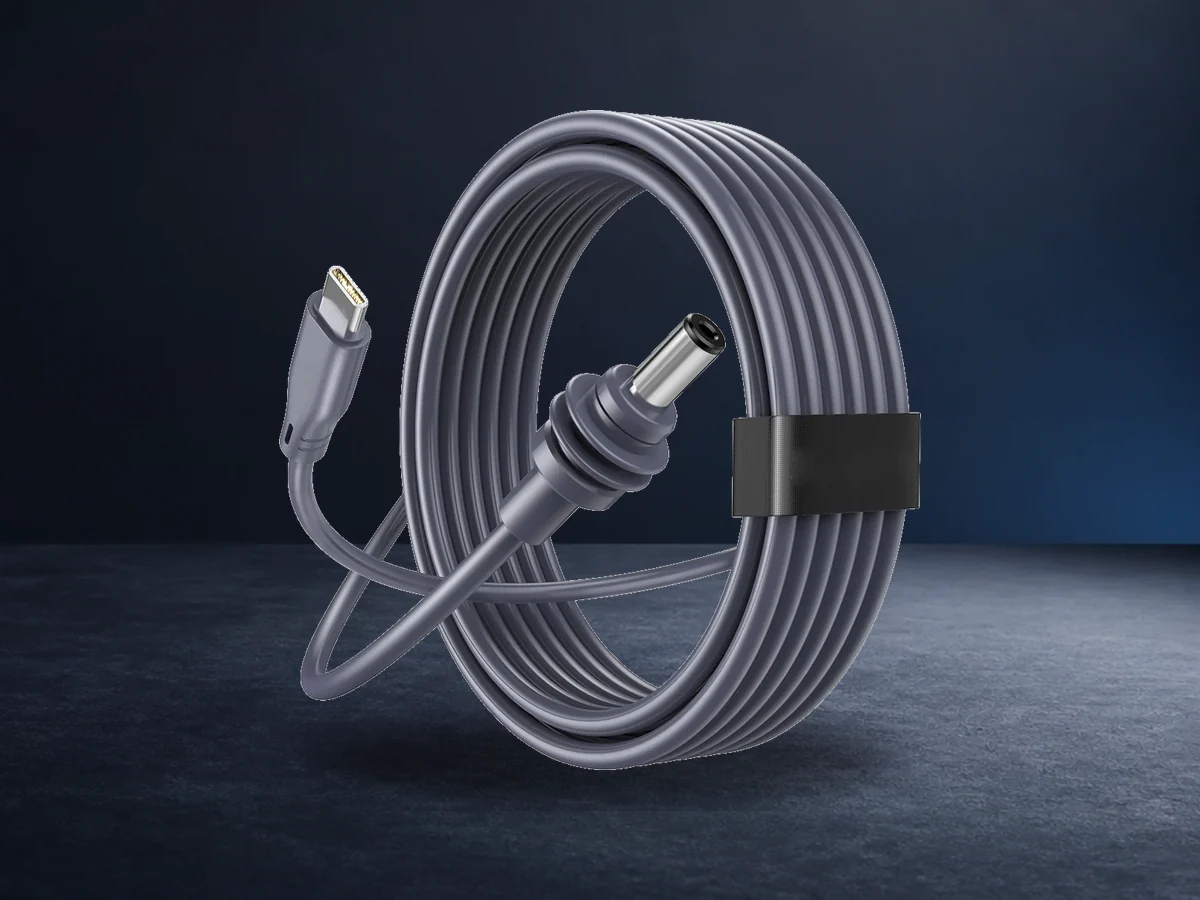
Starlink Cables
Find the Right Starlink Cable
Getting the right cable matters as much as the mount itself. A cable that is too short limits where you can position your dish, while the wrong connector type simply will not power your setup. Air Vision Systems stocks three main cable types for both Starlink Mini and Gen 3 dishes, in a range of lengths.
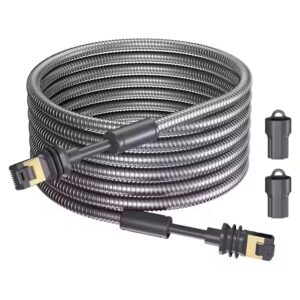
Air Vision Systems Starlink Gen 3 Armored Cable
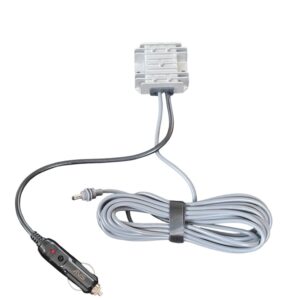
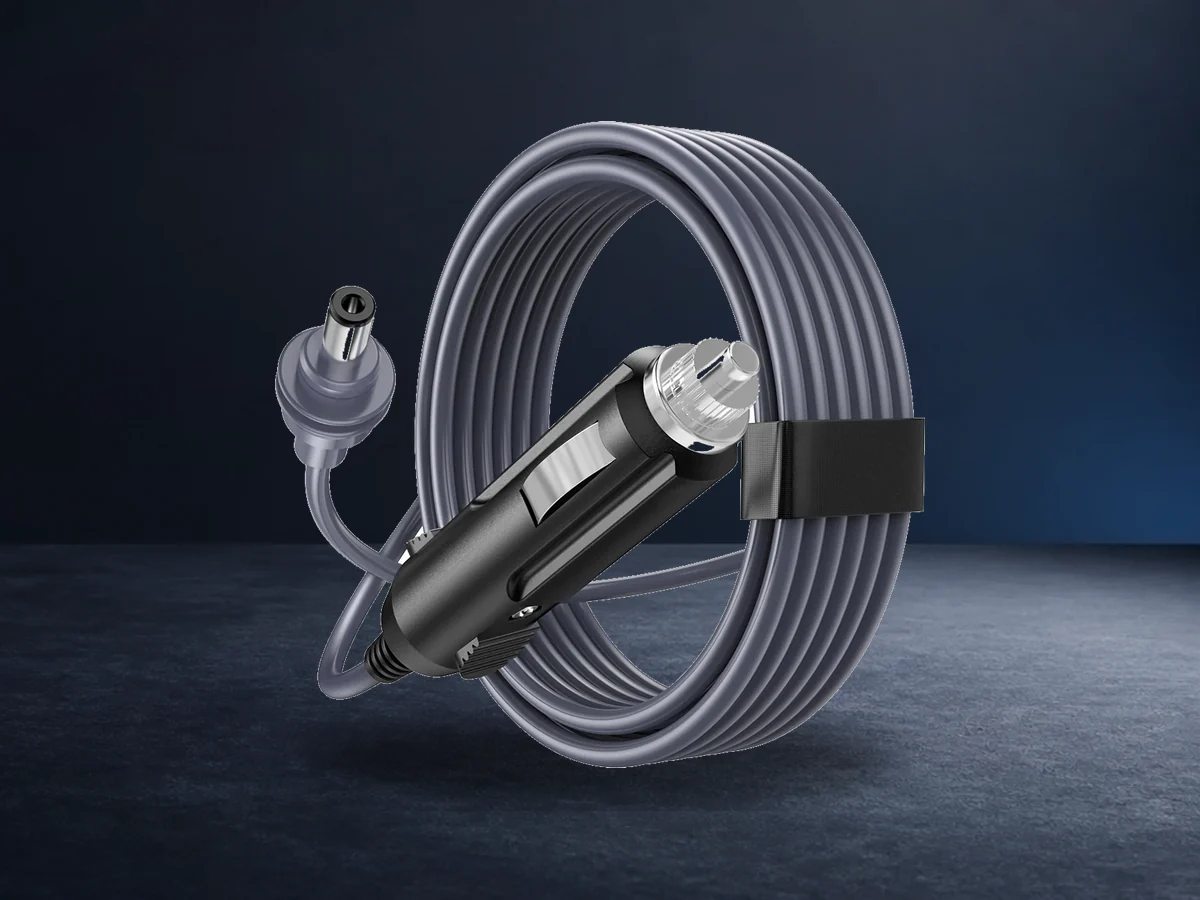
Cables $237.00 – $421.00Price range: $237.00 through $421.00Air Vision Systems Starlink Mini High-Power Car Cable – 12V Cigarette Lighter to DC Step-Up Converter (3m / 5m)
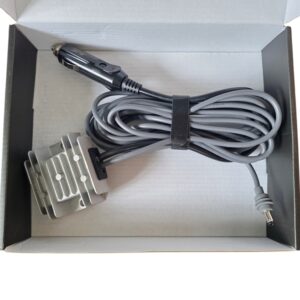
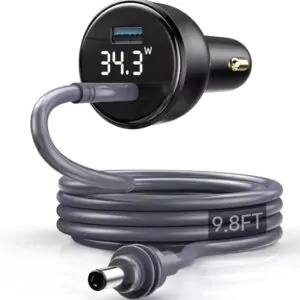
Power Cables $102.99 – $111.99Price range: $102.99 through $111.99Air Vision Systems Starlink Mini Cigarette Lighter to DC Cable with Voltage Display and Step Up Converter – 3m/5m
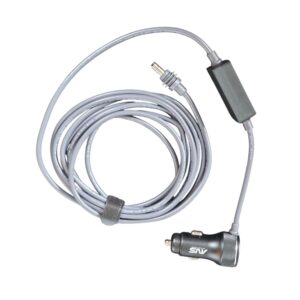
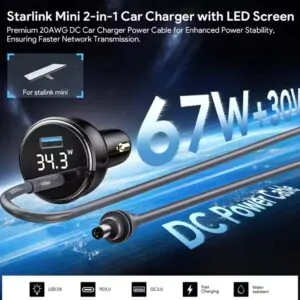
Power Cables $111.99 – $117.99Price range: $111.99 through $117.99Air Vision Systems Starlink Mini 2-in-1 Power Cable – 3M/5M/10M/15M – Car Adapter + USB-C to DC Adapter with built-in step-up converter
Cables $75.99 – $99.99Price range: $75.99 through $99.99
WHICH CABLE DO YOU NEED
Choose the Right Cable

Power Cables
These run your Starlink dish from a vehicle, battery or USB-C power source instead of the standard wall outlet. Examples include car adapter to DC cables and 2 in 1 USB-C to DC cables with a built in step up converter, both designed to keep your Starlink Mini powered reliably from a 12V or 24V system.

Replacement and extension cables
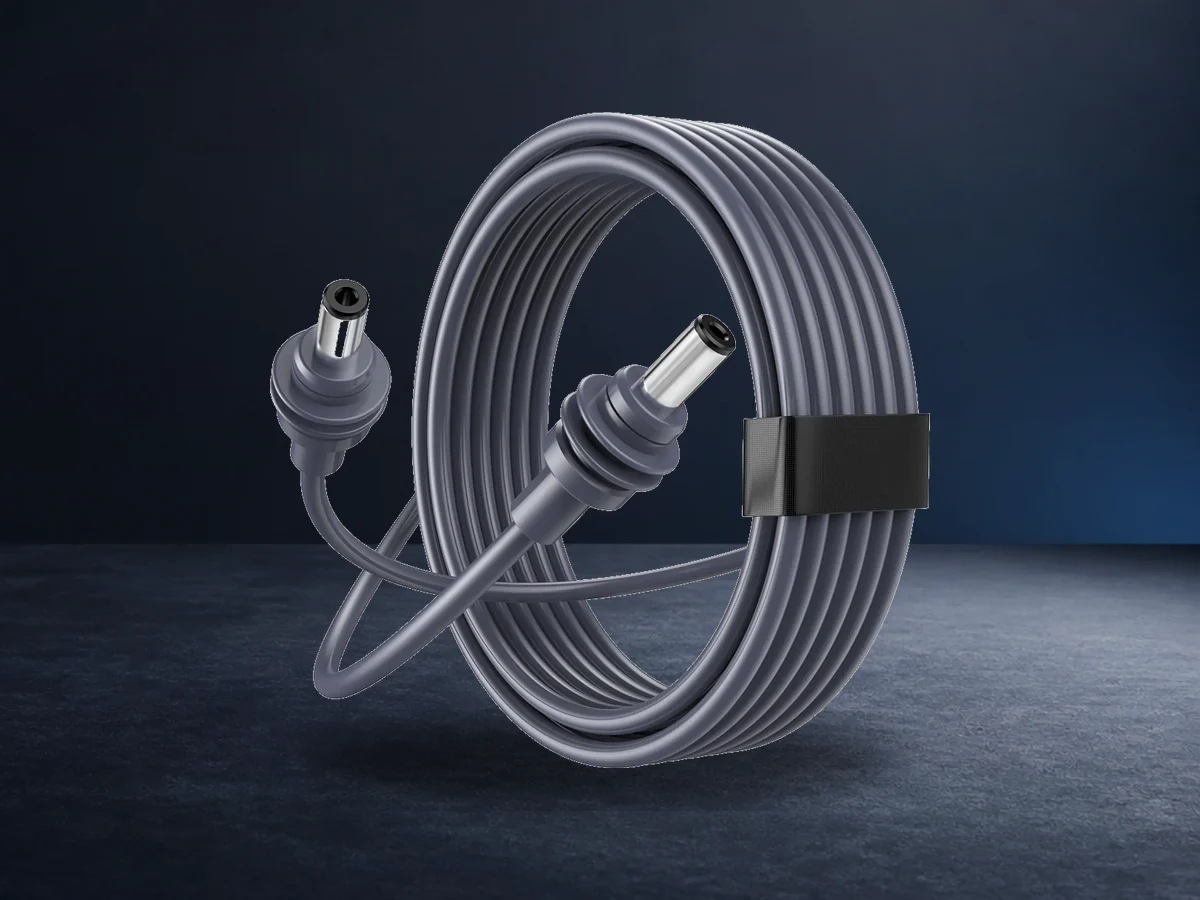
If you need to place your dish further from the router than the stock cable allows, a waterproof extension cable is the answer. Starlink Mini DC to DC cables are available up to 15 metres, while Gen 3 cables are available up to 46 metres, useful for boats, rural properties or any setup where the dish sits well away from the house or cabin.

USB-C Cables
Designed specifically for Starlink Mini, these connect a USB-C PD power source directly to the dish via a DC barrel connector. A 100W PD charger or compatible power bank is recommended for uninterrupted performance.
CHOOSE THE RIGHT LENGTH
Match the Cable to Your Setup
Measure the actual distance from where your dish will sit to your router or power source before ordering, including any vertical drop and slack for movement. It is better to order slightly longer than to find a cable falls just short once installed.
Short Runs
Short runs (2 to 5 metres): typical for car, van or caravan setups where the dish sits close to the cabin
Medium Runs
Mid length runs (10 to 15 metres): common for home roof installs
Long Runs
Long runs (20 metres plus): boats, rural sheds or any setup with real distance between dish and router
Custom Setup
Need help deciding? Use the Smart Cable Calculator to get an instant recommendation based on your setup.
Get the Right Connection
Check these details before choosing a cable for your Starlink setup.
Starlink Model
Confirm your dish type (Mini or Gen 3) before ordering, as connectors are not interchangeable between the two
Power Requirements
Check the power rating of your chosen source (vehicle outlet, USB-C charger or power bank) against the cable’s minimum requirements
FAQs
Starlink Cable Questions
Helpful answers for choosing the right cable for your setup.
Can I use a Gen 3 cable with a Starlink Mini?
No, the connectors differ between the two dish types. Check your dish model before ordering to make sure you get the correct cable.
How long can a Starlink cable be before performance drops?
It depends on the dish type: Mini DC to DC cables are available up to 15 metres, while Gen 3 cables are available up to 46 metres, both without meaningful performance loss provided the correct wire gauge is used for the length. Longer runs generally need thicker wiring to maintain stable power delivery. If unsure, check the Air Vision Systems Smart Cable Calculator.
Can I power Starlink Mini from a power bank?
Yes, provided the power bank supports at least 65W USB-C PD output. A 100W PD source is recommended for uninterrupted performance.